
For the business owner
Film your place in 15 minutes
Your phone is enough. These 14 short clips give us what we need to build your website and make your posts and videos. You don't need to plan anything or say anything to camera.
01 · Sideways
Your front, from across the street
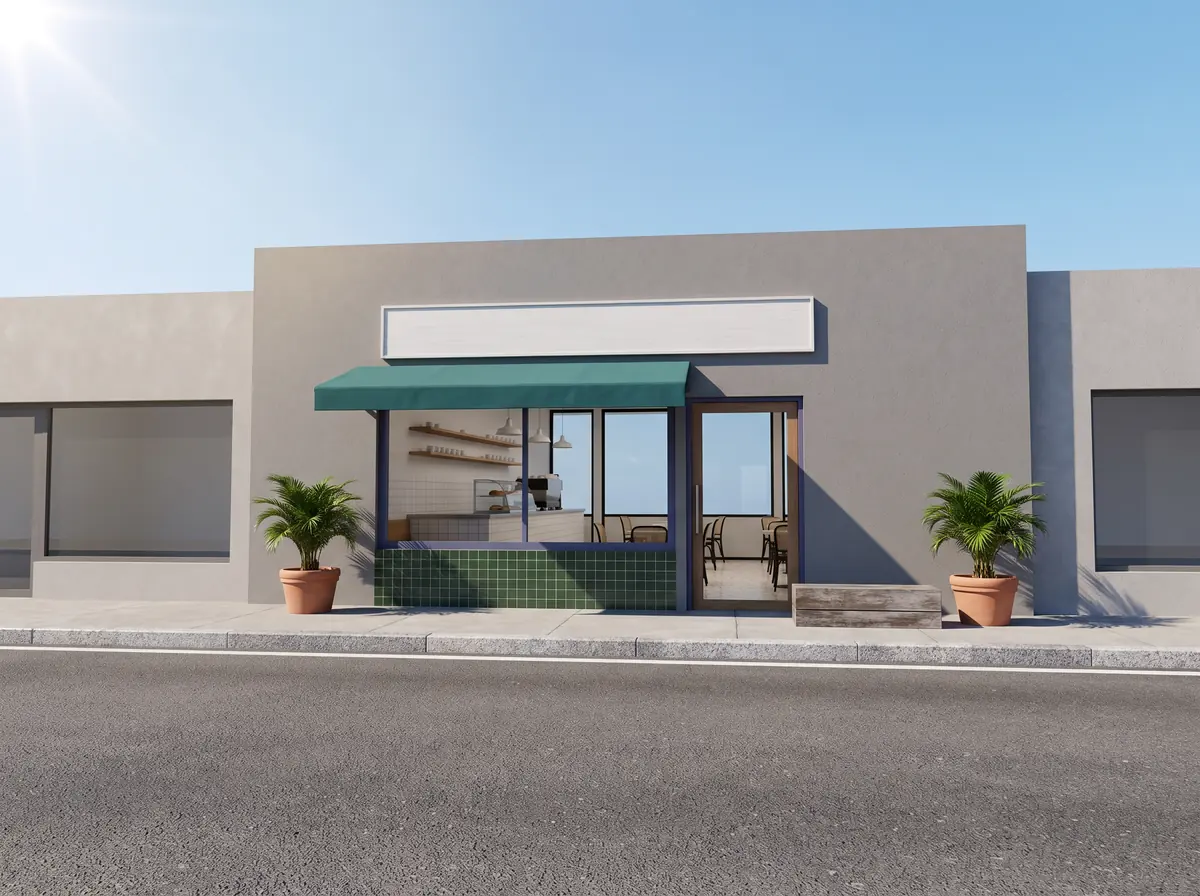
Stand across the road, whole shopfront and sign in frame. Hold still 10 seconds, then do it once more upright.
The shots
Each shot says upright (phone held normally, for social media) or sideways (phone turned on its side, for the website). Tick each one as you film it; the ticks stay on your phone.
0 of 14 filmed
- 01Your front, from across the streetStand across the road, whole shopfront and sign in frame. Hold still 10 seconds, then do it once more upright. sideways
- 02Walking in through the doorStart outside, push the door, walk in slowly and stop in the middle of the room. The way a customer sees it. upright
- 03Your sign or name, closeFill the screen with it. 5 seconds. upright
- 04The whole room, busyFrom a corner, at your busiest time. Hold still 15 seconds. This is often the hero of the website. sideways
- 05The same room, uprightSame corner, phone upright, walk slowly along one wall. upright
- 06Hands making your best thingClose up. The pour, the cut, the stitch, the wrap, whatever you do. Film it three times from three different sides. upright
- 07The finished thingThe thing customers order most, on the counter or table. Walk slowly halfway round it. upright
- 08Where customers order or check inThe counter, till or front desk, with someone behind it. sideways
- 09Three small detailsThings only your place has: the menu board, a tool, a texture, a shelf, the view from a seat. 5 seconds each. upright
- 10You, at workAsk someone to film you doing what you do. No talking to camera needed. upright
- 11Optional: 30 seconds in your own wordsWhy you opened this place. No script, don't rehearse. If you don't want to, skip it. upright
- 12Room soundPut the phone down, pointing at the room, and record 30 seconds of the everyday noise. Don't talk. upright
- 13LeavingWalk out the door onto the street. It gives us an ending. upright
- 14Ten photosYour main products or services, each on a plain surface near a window. Plus one of you. photos
Before you press record
- Wipe the camera lens with your shirt. A smudged lens makes phone footage look soft.
- Use the main camera (not the selfie camera), at 4K, 30 frames per second if your phone has it.
- Tap the screen on the brightest part of the scene and hold until it locks, so the picture doesn't keep changing brightness.
- Don't zoom. Walk closer instead.
- Move slowly, or not at all. Hold each shot still for 10 seconds, or walk at half your normal speed.
- Turn the music off while you film. We want the real sound of your place, and a song playing in the background can get a post muted or taken down.
- All the lights on, blinds open. Mid-morning or late afternoon light is best.
A few extra shots for your kind of business
- A plate or drink landing on a table
- Steam, a pour, the grill
- The menu, flat and in focus
- The treatment room, empty and ready
- Tools and products laid out
- A finished result, with the client's permission
- Equipment or tools in use
- The van, the shelves, the floor
- A job before and after
People in the shot
- If a customer's face can be recognised, ask them first, and tell us who said yes.
- If you can't ask, film hands, backs and the room from behind people.
- Staff: tell them you're filming for your website and social media, and leave out anyone who says no.
- Keep other brands' logos and TV screens out of frame where you can.
Sending it to us
Put everything in one shared folder (Google Drive, iCloud or Dropbox) and send us the link. Please don't send clips over WhatsApp or text. They shrink the quality, and we can't get it back.
Not sure about a shot? Film it anyway. We'd rather have extra footage than miss something.
The email opens with your business name, the shots you ticked and a line for the folder link.